
How to record and transcribe an in-person meeting
By the Cohearo founders ·
To transcribe an in-person meeting, record the room with a microphone on a device placed near the speakers, then run that audio through a transcription tool with speaker labels. You can do this live or from a recording afterwards. Notetaker bots won't help, because they need a video call to join.
In-person meeting transcription options
| Option | Best for | What to check first |
|---|---|---|
| Phone voice recorder, then transcribe the file | One-off meetings | Whether your transcription tool labels speakers, and where the file gets uploaded |
| Google's "Take notes for me" in person | Teams on an eligible Google plan | The organizer's Workspace edition must include it |
| An app on the laptop on the table | Regular meetings, or confidential ones | Whether it transcribes on the device or uploads the audio |
| A person taking minutes | Formal minutes that need judgment | The cost, and what gets lost while they write |
How to record and transcribe it in six steps
- Tell everyone first. Say that you're transcribing and what the transcript is for. Get any consent your country, company or client requires.
- Put the device in the middle of the table. The closer the microphone is to people, the better the transcript. Keep it close to the people who speak quietly.
- Reduce the noise near the microphone. Move away from the air conditioning, and keep cups and keyboards off to the side.
- Test for a few seconds. Say a sentence and check that the level moves and the words appear.
- Say names early. When people introduce themselves, it's much easier to name the speakers later.
- Review the speakers afterwards. Rename labels and correct anything the tool got wrong before you share the transcript.
What makes in-person audio harder
In a video call, each person usually has their own microphone. In a meeting room, everyone shares one, at different distances, with echo and people talking over each other.
Expect more work on speaker labels than in an online call, especially when people talk at the same time. Seat the people you most need to capture nearest the device.
Using an in-person meeting transcription app
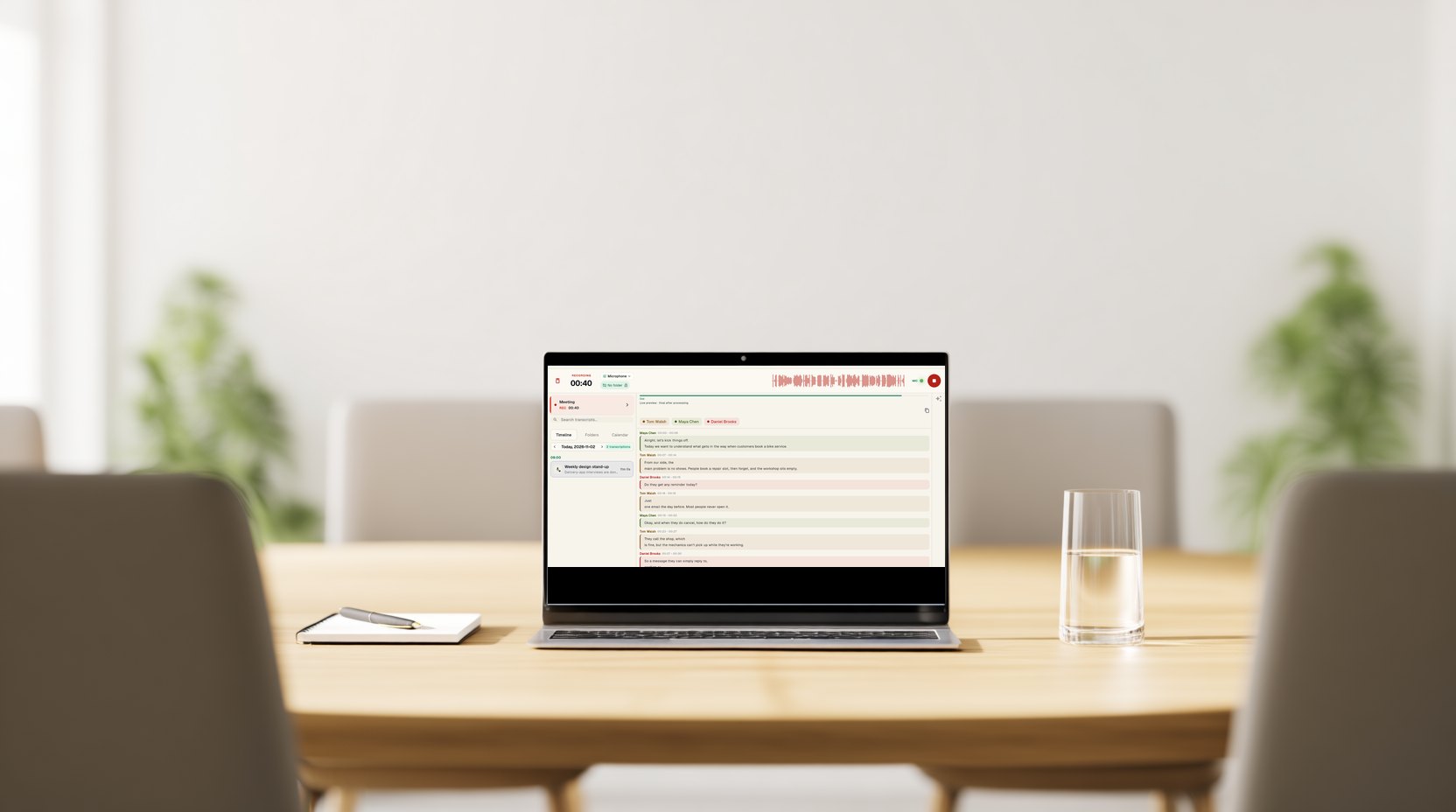
Cohearo is a desktop app for Windows, macOS and Linux. For an in-person meeting, it uses your microphone: put the computer on the table and record.
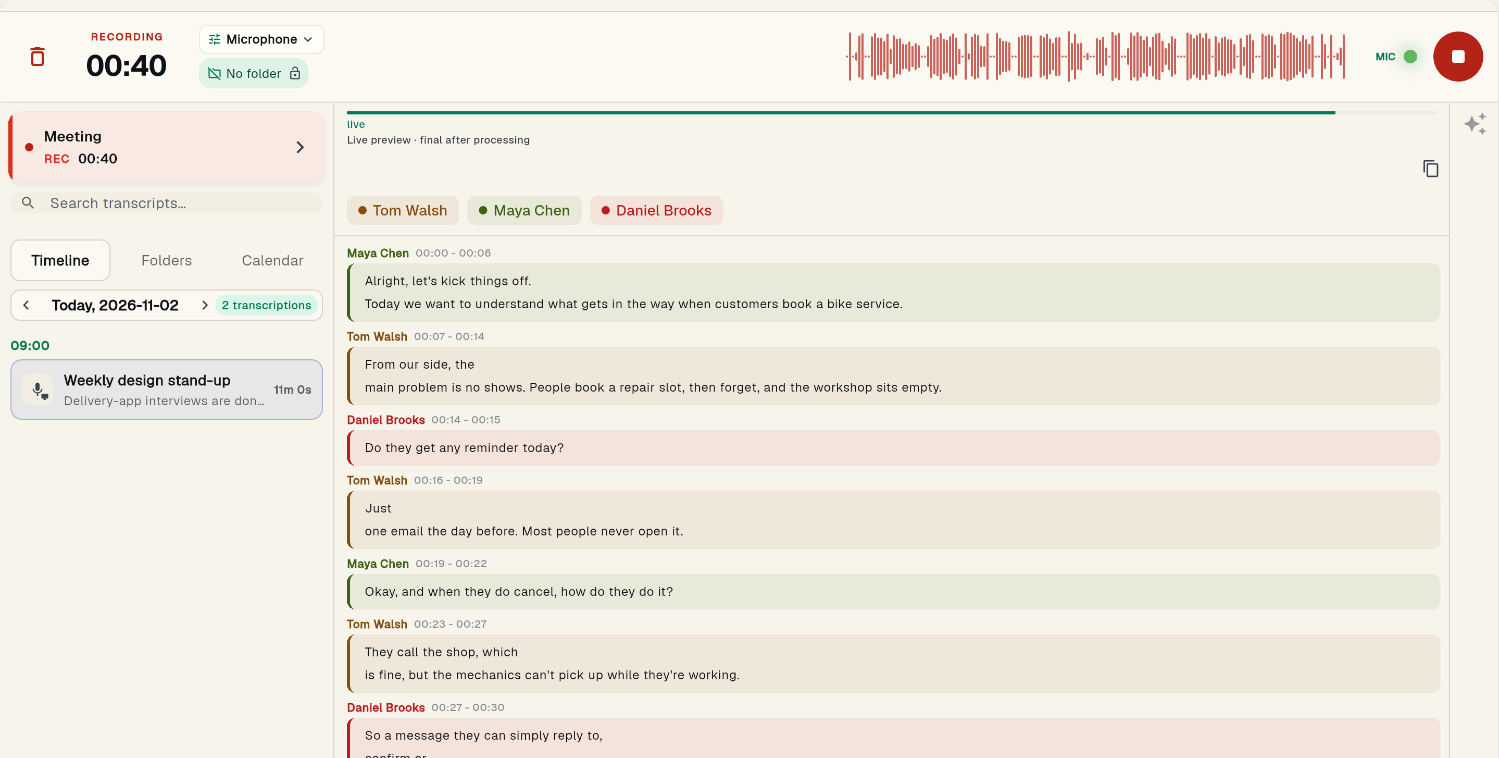
- The transcript appears during the meeting, on your device.
- It separates the speakers, and you can name and correct them.
- Your audio is never uploaded. In On-device mode, the transcript stays on the machine too. In Cloud mode, only the transcript syncs to your account.
- AI summaries are optional. They use a cloud model, so the transcript text is sent when you ask for one.
Android and iOS are in early access, so the laptop is the better choice for an important meeting today.
Confidential meetings
In-person meetings are often the sensitive ones, such as a performance review or a negotiation. Before you choose a tool, ask where the audio goes, how long it is kept, and whether it can be used for training.
Keeping the audio on the device reduces who handles it. You still have to tell people, because recording rules apply wherever the processing runs, and they vary by place.
After the meeting
Go through the transcript while you still remember the meeting:
- Pull out the decisions and who owns each one.
- Check names, numbers and dates against what you remember.
- If you need meeting minutes, draft them with an AI preset and review them.
- Share the parts people need.
More on meetings
Can ChatGPT record meetings on Windows or Linux?
ChatGPT's Meetings plugin takes meeting notes on a Mac. Here is what it does with your audio, and how to record meetings on Windows or Linux today.
Google Meet AI notetaker flagged as a risk? What changed
Is your AI notetaker stuck outside Google Meet, or listed under "With potential risks"? Here is what changed, how to admit it, and your options.